

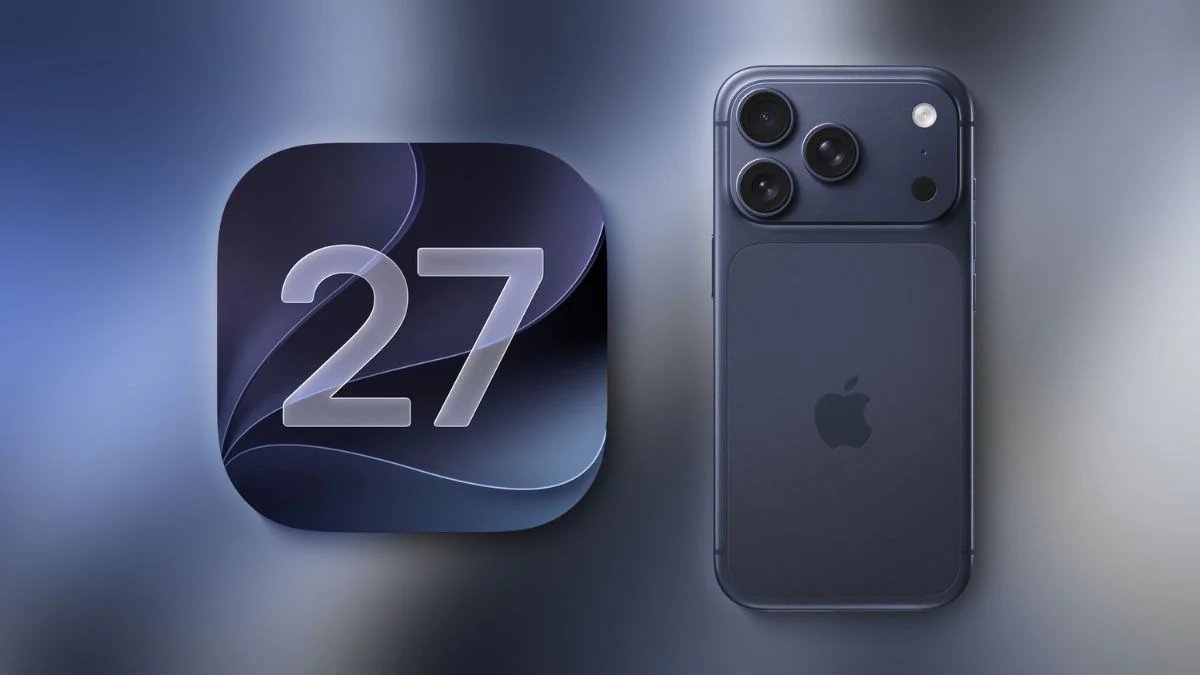
Apple has released iOS 27, bringing new AI-powered tools, better performance, and several updates to the iPhone experience.
iOS 27 works on iPhone 11 and newer, but many advanced AI features need an iPhone 15 Pro or later.
Here are some iOS 27 features that make using your iPhone better.
iOS 27 makes your iPhone faster, with quicker animations, app launches, AirDrop transfers, and keyboard response.
Apple has also improved message syncing and made switching between Wi-Fi and cellular networks smoother. These performance upgrades work on all supported iPhones, even older ones.
Siri is now more efficient in iOS 27 and can have more natural conversations with you. It can now browse your messages, emails, photos, and files, answer questions, and complete tasks using information on your iPhone.
You can also ask Siri to create home automations, find saved passwords, or add details to your contacts.
The Camera app now includes Visual Intelligence, which can analyze photos to provide information like nutritional details or receipt totals.
Apple has also added Write with Siri, so you can create and edit text, adjust the tone, and get grammar suggestions to help keep your messages clear.
The Photos app now has a better Clean Up tool to remove unwanted objects. New Extend and Reframe features use AI to change your photo’s composition.
iOS 27 also adds a Liquid Glass slider, so you can easily change how transparent buttons, menus, and toolbars appear.
How to install iOS 27
Follow these steps to install iOS 27:
1: Open Settings and go to Software Update.
2: Tap Install iOS 27.
3: Enjoy the new features that make your iPhone experience better.