
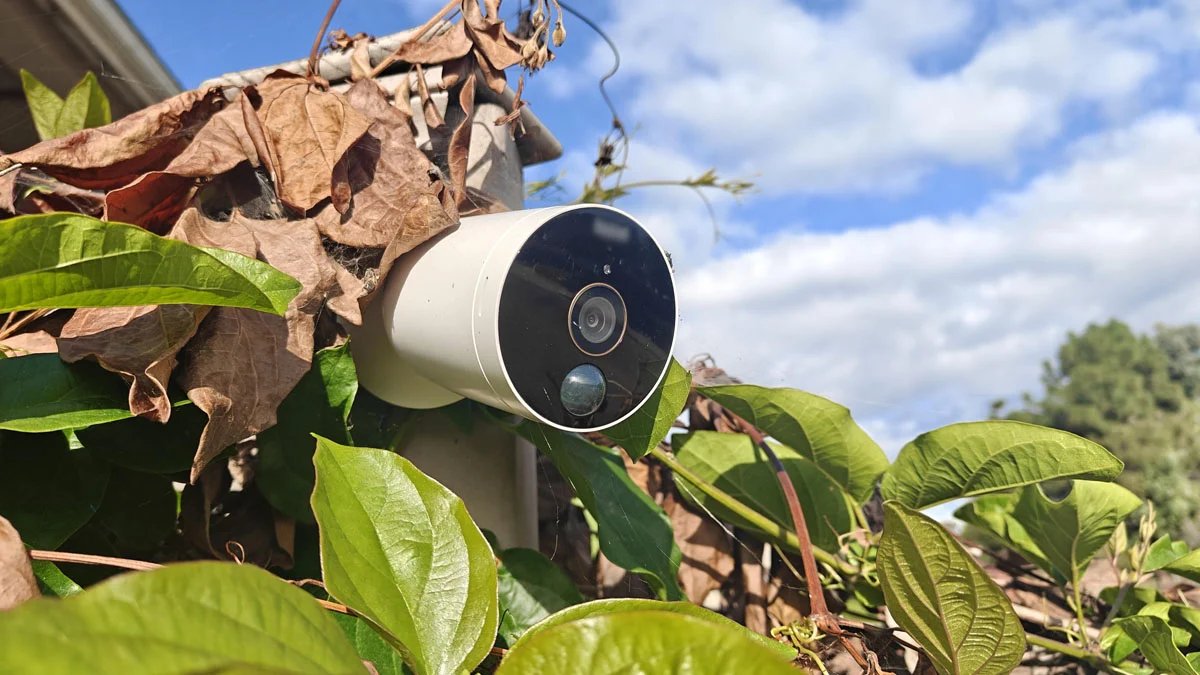
Home security connected cameras and smart monitoring solutions provide a level of peace of mind. Unfortunately, insecure connected surveillance and monitoring devices are more than welcome to malicious outsiders.
Without access controls, your home surveillance stream becomes a target for remote hacking, illegal live streaming and personal data theft.
Smart cameras transmit live video to the user’s phone and store footage in the cloud by connecting to the local Wi-Fi network. There’s a significant privacy concern here if the devices are kept to default factory settings:
Unscrupulous cybercriminals can intercept your video feed to spy on you during your daily routine, or take over smart gadgets with weak or default passwords to recruit botnets and unleash devastating cyberattacks.
A hacked camera can also be used as a point of access for attacking other devices that may be on the home network, like a laptop, phone or router admin area.
Essential Steps to Protect Home Security Feeds
To help prevent your smart surveillance device from being compromised, a cybersecurity expert would advise:
Always change the password that comes with your device to a long, unique one with a combination of symbols, numbers and words-and set up two-factor authentication with a code sent to your phone.
Update your device firmware and security patch to address existing security flaws, keep your smart cameras in a separate guest Wi-Fi network, away from computers and personal information, and turn off UPnP and remote management if you don’t need to see a feed outside the house.
Maintaining Long-Term Home Network Hygiene
Home camera security is an ongoing process, not a one-time setup. Regularly checking connected device logs, keeping an eye on current account login sessions and refreshing your network router passwords will keep your home surveillance systems secure, private and working well.