

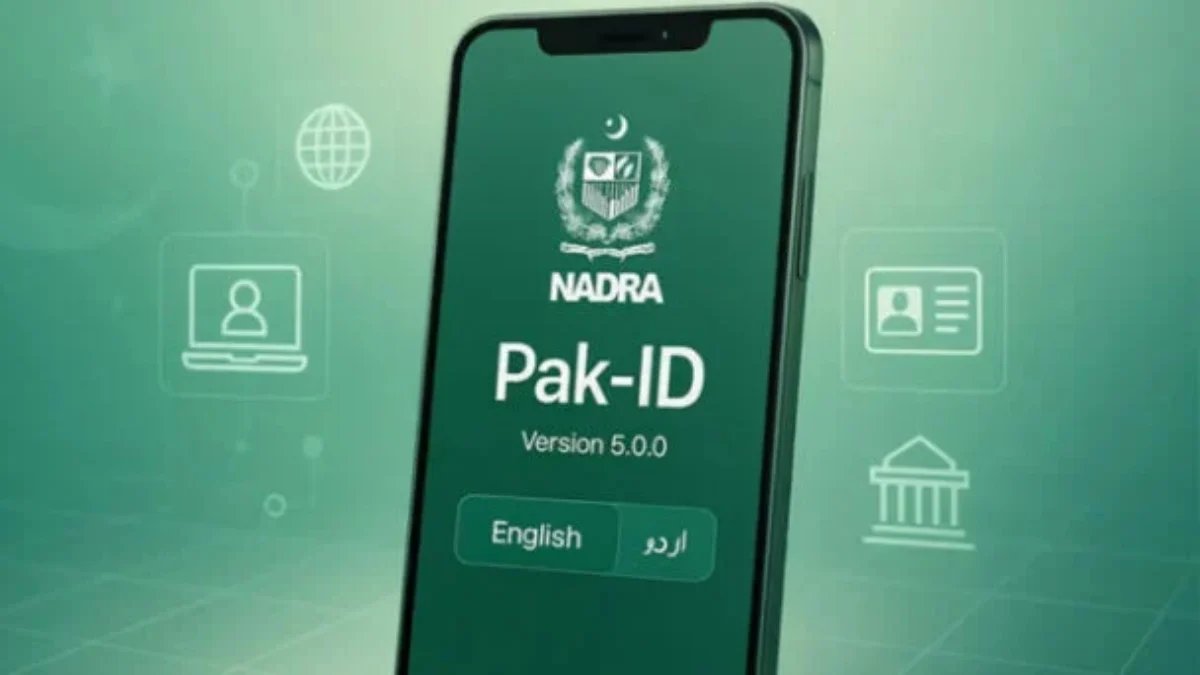
The National Database and Registration Authority (NADRA) has made it easier for citizens to renew their Computerized National Identity Cards (CNICs) from home using a smartphone application.
The digital service is intended to save citizens time and make the registration process faster and more transparent.
Under the new facility, applicants do not need to visit a NADRA office or wait in long queues. Instead, they can apply for CNIC renewal through NADRA’s Pak ID mobile application.
How to renew a CNIC online
To renew an identity card through the app, applicants should open the Pak ID application and select Identity Documents from the home screen, tap the ID Card option, select the relevant applicant, and choose ‘Renewal’ from the available options.
Applicants should follow the instructions provided by the app, enter the required information, upload the necessary documents, and then complete the application process through the app.
NADRA says the digital service is aimed at reducing the need for in-person visits while making the identity registration process more efficient.